Live Generative Video in Live Events and Broadcasts
Last updated: April 9, 2026
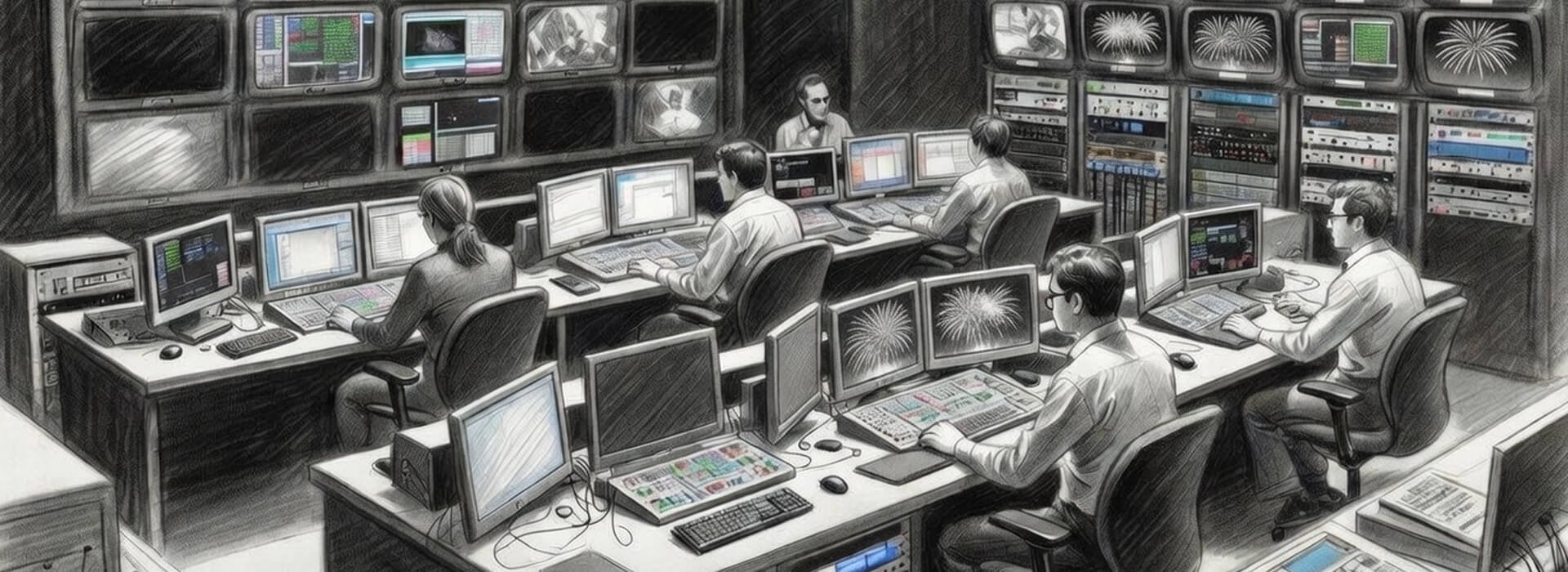
You’re mid-broadcast. The host is on air, talking facts. Behind them, AI has built a skyline and crowd that looks real. Until a viewer zooms in and spots the same face three times.
Trust is gone. The host looks guilty, even if they never knew.
Live is not about perfection. It is about what people remember when the lights come up. If they remember doubt, you have lost.
Why live makes trust harder
Pre-recorded work gives you breathing room. Review, tweak, approve. Live removes that buffer. A generated element hits the screen and becomes part of the moment. No do-over.
Real-time AI overlays are already part of the broadcast toolkit, especially in sport, where data-driven graphics can appear mid-play. Amazon’s Prime Vision alternate stream for Thursday Night Football is a useful example of how quickly viewers start treating overlays as truth when they land on top of live action.
FIFA has also talked publicly about AI-enabled 3D representations used to support semi-automated offside technology, and it underlines the same operational point. When a system generates something that looks official in the moment, even small errors or delays can create instant controversy.
The stakes shift fast. A tiny glitch costs more because it is public before anyone can check. Teams need instant alignment, but authority drifts when five people shout on comms. Audiences assume it is real, especially in sport or news. And there is no “we will fix it later” safety net.
This is not about the tech failing. It is about how fast trust breaks when everything moves in seconds.
If this feels like the same trust issue you’ve written about elsewhere, it is. Live just compresses it into seconds, so small doubts become the story. That wider context is why human vs synthetic trust matters as a framing lens before you start building any live workflow.
In UK broadcast contexts, it also helps to treat synthetic media as a standards and harm question, not a shiny tools question. Ofcom’s note to broadcasters on synthetic media is a useful baseline for how these situations can be assessed in practice.
The failure modes that actually bite on the night
Most disasters are not dramatic. They are quiet mismatches that snowball because timing makes them look deliberate. When the audience is already primed to doubt, even a small wobble can read like deception.

Live news is the sharpest edge of this. If a background is generated, a crowd is “filled”, or a location plate is synthesised to make a shot look cleaner, the risk is not only that someone spots a visual tell. The risk is that it reads like staging. The same thing can happen in sport or live entertainment, such as filling empty seats in a stadium, adding atmosphere like fireworks over a venue, or boosting crowd energy in ways that never happened on the night. Broadcast teams have also learned that even non-AI enhancement can become the story, like the Beijing 2008 opening ceremony “firework footprints” sequence that was altered for the TV feed and later drew scrutiny once it surfaced.
Here are the failure modes that tend to cause the most damage in real time.
Data lag or feed mismatch, where an overlay looks authoritative but is a beat behind or sourced incorrectly
Meaning drift on captions or translation, where tone softens or sharpens and changes how a statement lands
Lookalike or identity confusion, where a generated element resembles a real person or implies alteration without consent
Sponsor and endorsement confusion, where graphics create an association that reads like a deal or affiliation
Context collapse, where clips get ripped, reposted, and reframed before anyone can add explanation
None of this requires a spectacular technical failure. It can happen with ordinary drift, compression artefacts, timing glitches, or an overconfident system that does not know it is wrong.
Interpretation outruns explanation. That is the trap.
Safeguards you can set up before the stream starts
The best safeguards do not kill creativity. They turn “we hope it behaves” into “we know who decides, and we know how we switch”. The aim is not to eliminate risk, it is to keep risk containable.
Start with three decisions that cut most confusion later.
What the generated layer is allowed to do, and what it is not
Who has authority to disable it instantly
What the safe fallback is when you disable it
Then set up controls that fit the show. Define one decision maker for the live output, often the show caller or technical director. Build a safe feed plan that runs without the generated layer. Use a short rehearsal with real inputs, not toy data, so drift shows up early. Agree a disclosure pattern in advance where the content is realistic or likely to confuse. Decide what gets logged during the show, so you are not reconstructing under pressure.
If you’re using provenance or declared history signals, it helps to be clear about what they can and cannot show. The C2PA Content Credentials explainer is a solid reference for how that system is intended to work.
The table below is a practical runbook you can adapt. It is plain because teams need something they can use in the moment. When in doubt, drop the synthetic layer and run clean, you can always bring it back once the output is stable.
| Failure mode | What it looks like | First action | Who decides |
|---|---|---|---|
| Confidently wrong overlay | Graphic or highlight suggests a claim that does not match the live action or verified data. | Switch to the safe graphic set or clean feed, then verify the data source before re-enabling. | Show caller or technical director. |
| Meaning drift on captions or translation | Speaker tone changes, intent is softened or sharpened, or a phrase becomes misleading. | Freeze the live text layer, revert to manual captions if available, and cue a correction if needed. | Show caller with captions lead. |
| Lookalike or identity confusion | A generated element resembles a real person or implies a performer is altered without consent. | Disable the generative layer immediately and switch to approved assets only. | Show caller with talent liaison. |
| Sponsor and endorsement confusion | Overlays create an association that reads like endorsement or official partnership. | Remove the overlay, revert to pre-approved sponsor slates, and log the moment for review. | Show caller with producer. |
| Platform moderation or label event | A flag, label, or warning arrives mid-stream, or distribution is limited. | Pause the generated layer, continue on verified feed, and begin a documentation capture. | Platform lead with show caller. |
An origin record is a bit of attached information that can travel with a file and describe how it was made or edited. These records can show what a file claims happened to it, but they can disappear when you export, re-encode, or upload, so treat them as helpful context, not proof.
If you can, keep a short programme output capture of the moment, because it prevents later arguments about what actually went to air.
When seconds matter, it helps to pre-assign who does what in the first half minute, so you do not burn time negotiating on comms.
Show caller or technical director makes the call to disable or keep the generated layer
Graphics or vision lead executes the switch to the safe feed or safe graphics
Captions lead freezes or reverts live text if meaning drift is suspected
Platform lead captures programme output, logs timecode, and handles any mid-stream flags
If the decision maker is off-comms or unavailable, default to disabling the generated layer and switching to the safe feed, then review once the output is stable.
What to do when something goes wrong mid-stream
When a live incident hits, the biggest risk is a slow argument on comms while the audience watches confusion unfold. A calmer response is to treat it like any other live fault. Stabilise. Log. Then decide if you return to the risky element.
A workable sequence is simple.
Stabilise the output with a safe feed or graphics
Confirm one person calls the decision so the team is not split
Capture what the audience saw, timecode and all
Decide whether you correct on-air, in metadata, or by removal
Keep a short record of what happened and what was done while it is fresh
Two habits make this easier. Log in plain facts. What happened, when, and who made the call. Tie any later explanation to what actually went out, not what you wish had.
If your live work touches realistic synthetic or meaningfully altered content, it is worth knowing how platforms frame disclosure. YouTube’s altered or synthetic content disclosure guidance is one clear reference point for that.
Key takeaways
Live generative video is not just a new tool. It is a new operating condition where trust can break quickly if teams do not plan for the speed of interpretation.
Live removes the review buffer and compresses decisions into seconds
One decision maker prevents authority drift during a live incident
People risks and ethical decisions need to be treated as operational, not theoretical
The most damaging failures are often context and meaning drift, not technical glitches
Safe fallbacks and real-time logging are the controls that survive the moment
Production teams that treat live generative AI as a live operation, not a pre-rendered asset, reduce the chance of trust breaking in public. The technology will keep improving, but the operational discipline around it is what keeps the event intact.